1
Install the standard Eleph TV APK
Use the main download page, Android TV guide or mobile guide for your device. Do not start with a cracked APK just because a page promises permanent VIP access.
Subscription and trial guide
Eleph TV is often searched as a free APK, but users also see VIP, package, recharge, referral and redeem-code screens inside some app builds. This guide separates the free download from trial access and paid membership so you know what to expect before installing or registering.
The safest way to understand Eleph TV cost is to separate three things. First, the APK file itself can be downloaded and installed from a standard source without paying this site. Second, the app may allow free browsing, free trial viewing, or a short VIP test period depending on the current build and region. Third, subscription packages, recharge balances, activation codes or reseller plans can appear when the app asks for longer premium access. That means the answer to 'does Eleph TV have a free subscription' is not simply yes or no: the download path is free, but long-term VIP access should be checked inside the current app before relying on it.
Do not treat mod APK, premium unlocked APK, cracked APK, shared login or public password pages as a real free subscription. Those paths can break updates, expose personal data or install unsafe files.
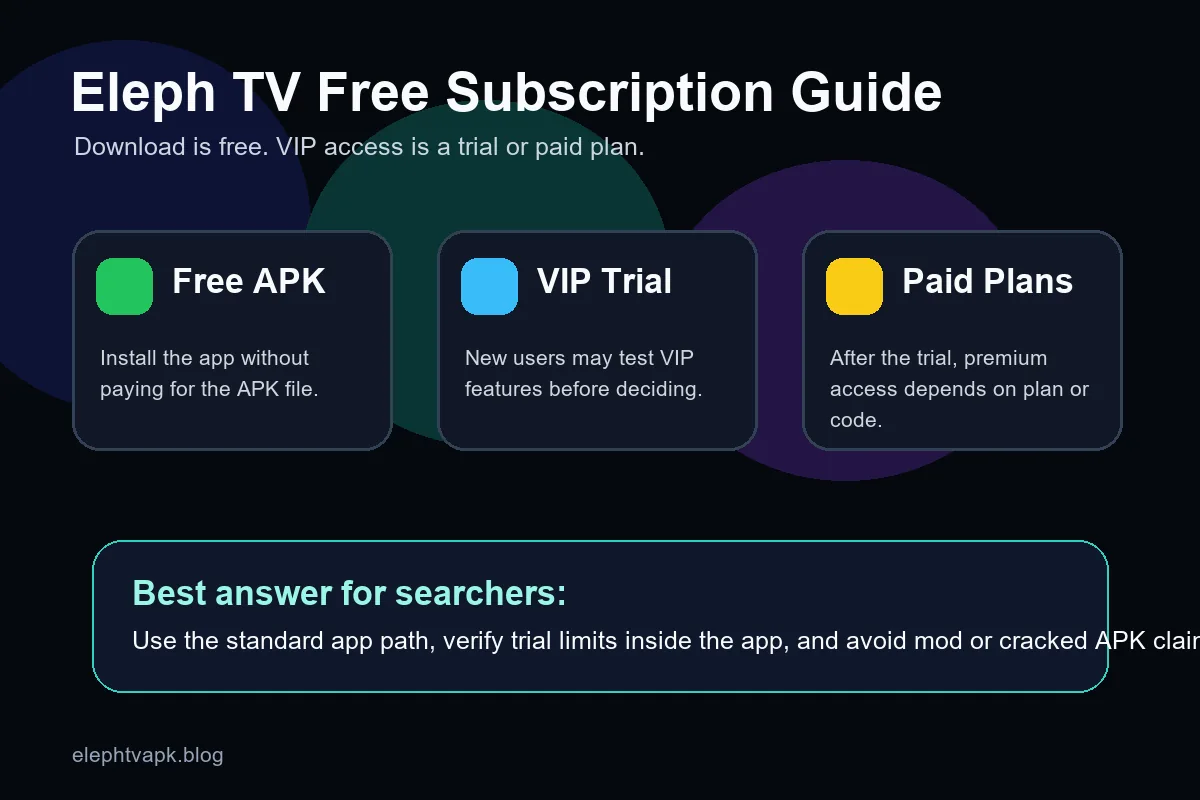
Use this table before installing or registering so you do not confuse a free APK file with a guaranteed lifetime VIP subscription.
| Access type | What it usually means | What to check |
|---|---|---|
| Free APK download | You can get the Android APK file and install it on a compatible device. | Confirm you are using the standard APK path, not a mod or cracked file. |
| Free or limited app use | Some builds may allow browsing, testing, or limited playback without paying immediately. | Open the app and check the current region, account and playback rules. |
| VIP trial | A trial can unlock premium channels or VIP features for a limited period. | Check the trial length, renewal language and what happens when it expires. |
| Paid plan or package | Longer VIP use can require a subscription, package purchase, recharge or reseller activation. | Confirm price, duration, account identifier and payment status before paying. |
| Redeem or activation code | A code may add account time, package access or reseller credit after login. | Do not share the code publicly; make sure it is not just a Downloader install code. |
| Cracked or premium unlocked APK | Third-party pages may claim permanent VIP access without payment. | Avoid this route because it can be unsafe, unstable and unrelated to official account status. |
Because app screens can change, the reliable method is to install the standard app, open the account area, and read the plan or trial status shown inside your own account.
Use the main download page, Android TV guide or mobile guide for your device. Do not start with a cracked APK just because a page promises permanent VIP access.
Launch Eleph TV, test whether the home screen, category list and sample playback are available, and note whether the app asks for registration before playing content.
If the app shows account, VIP, package or redeem prompts, use your own email or phone through the in-app registration flow. Shared public accounts are not a reliable free subscription.
Check Profile, Personal Center, Recharge, Package, VIP, Subscription or Redeem sections. Record the plan name, remaining days and whether the app mentions renewal.
If the trial is enough, keep using the free period. If you need longer access, compare plan duration, payment path and refund or support information before buying.
Downloader codes install the APK; redeem codes affect account access. Mixing them up is a common reason users think a free subscription failed.
These options reduce the chance of paying for the wrong thing or installing an unsafe file while you evaluate whether Eleph TV is worth keeping.
A phone is easier for reading plan text, entering verification codes and checking trial status before you move the account to Android TV.
Android TV, Firestick, TV boxes and mobile devices have different setup paths. Choose the correct guide so a failed install is not mistaken for a subscription problem.
Use an email or phone you control. This protects account recovery, redeem codes, plan history and trial status.
If you buy a package or redeem a code, keep the order note, reseller message, account ID and screenshot until the access time appears in the app.
Public IPTV logins are often recycled, blocked or unsafe. They also do not prove that Eleph TV offers a real free subscription.
If trial or package status looks wrong after an update, reinstall from the standard APK source and log in again before assuming the plan disappeared.
Current ElephTV wording commonly describes an instant 3-day VIP trial plus extra time after binding a phone number or email. Treat this as an in-app trial status, not a permanent free subscription.
A free download, trial, preview or limited access does not prove that every VIP feature is permanently free. Check the account and package screen before paying or sharing personal details.
Free streaming app pages often overpromise. These checks keep the page useful without claiming permanent free VIP access that may not match the current app.
Treat lifetime free VIP promises as suspicious unless they appear in your own account from a trusted source.
A Downloader code helps install the APK. It is not the same as a membership activation code or subscription voucher.
Shared accounts can be revoked, monitored or reused by strangers. Use your own registration for stable access.
A free trial can stop after its stated period. Check remaining days instead of assuming unlimited access.
If a plan page does not clearly show price, duration and account ID, pause before paying.
Premium unlocked APK files can include malware, broken updates or fake login screens. Use the normal install path.
A TV recharge QR code, subscription package, reseller activation code or redeem screen belongs to your Eleph TV account. It should not be confused with the Downloader install code used to fetch the APK.
Use the normal APK route first, then check trial or subscription status inside the app. This keeps download safety separate from account decisions.
Install only standard APK files from sources you trust, and verify plan or VIP status inside your own account.
Download Eleph TV APKEleph TV can be downloaded as a free APK, and some builds may offer trial or limited free access. Long-term VIP or premium access may require a package, subscription, recharge or redeem code, so check the current in-app account screen.
Yes, this site provides free APK download guidance for Eleph TV. The APK file being free does not guarantee permanent VIP access inside every app build or region.
The app may return to limited access or ask you to choose a plan, package, recharge option or activation code. Read the current trial terms inside the app before relying on continued access.
No. A Downloader code is used to install the APK on TV devices. A redeem or activation code is account-related and is normally entered after login inside the app.
No. Premium unlocked, cracked or mod APK files can be unsafe, unstable and unrelated to real account status. Use the standard app and your own account.
Some builds may require registration to track trial days, VIP status or redeem codes. Register with your own email or phone so you can recover the account later.
No. The 7-day VIP wording usually means a temporary trial, often described as 3 days first and extra time after binding a phone number or email. A free subscription would imply ongoing access, so check the current in-app plan screen before assuming that.
Do not assume unlimited free access. Availability can depend on the app, account state, trial eligibility and current plan rules. Check the visible account or package screen and avoid shared passwords or unlocked premium offers.